
 Português
 Deutsch
 English (UK)
 Español
 Français
 Italiano
 日本 (日本語)
 中国大陆 (简体中文)
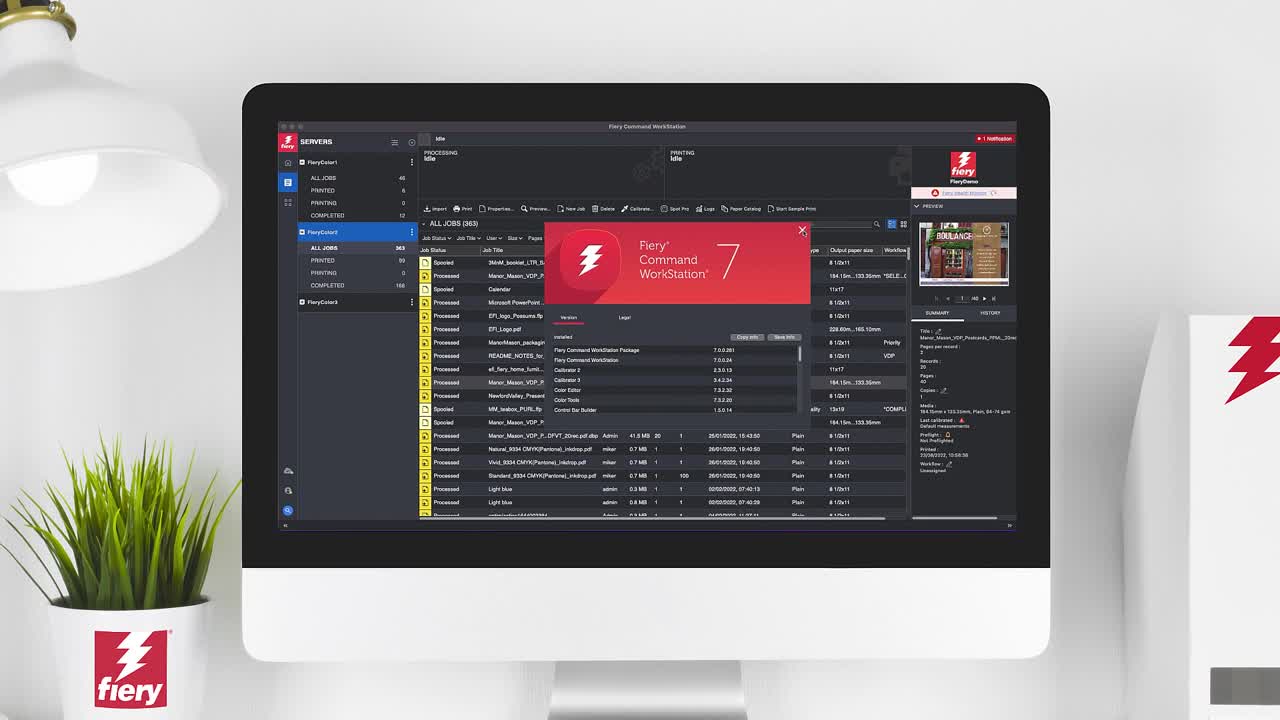
Fiery Command WorkStation 7
For cutsheet printer users
Your interface to higher productivity
Unify your print job management — control all Fiery® servers to gain operational efficiencies and increase productivity.
Is my Fiery server supported?
Version 7.0 works on Fiery servers for cutsheet printers running Fiery FS200/FS200 Pro system software and above. Find the right Fiery Command WorkStation® version for your Fiery server.
Learn more about how to use the same Fiery Command WorkStation for large format printers.


Overview
Manage print jobs faster, boost print production
Fiery Command WorkStation 7 gives production staff a powerful tool to prepare and manage jobs more efficiently for higher production throughput.
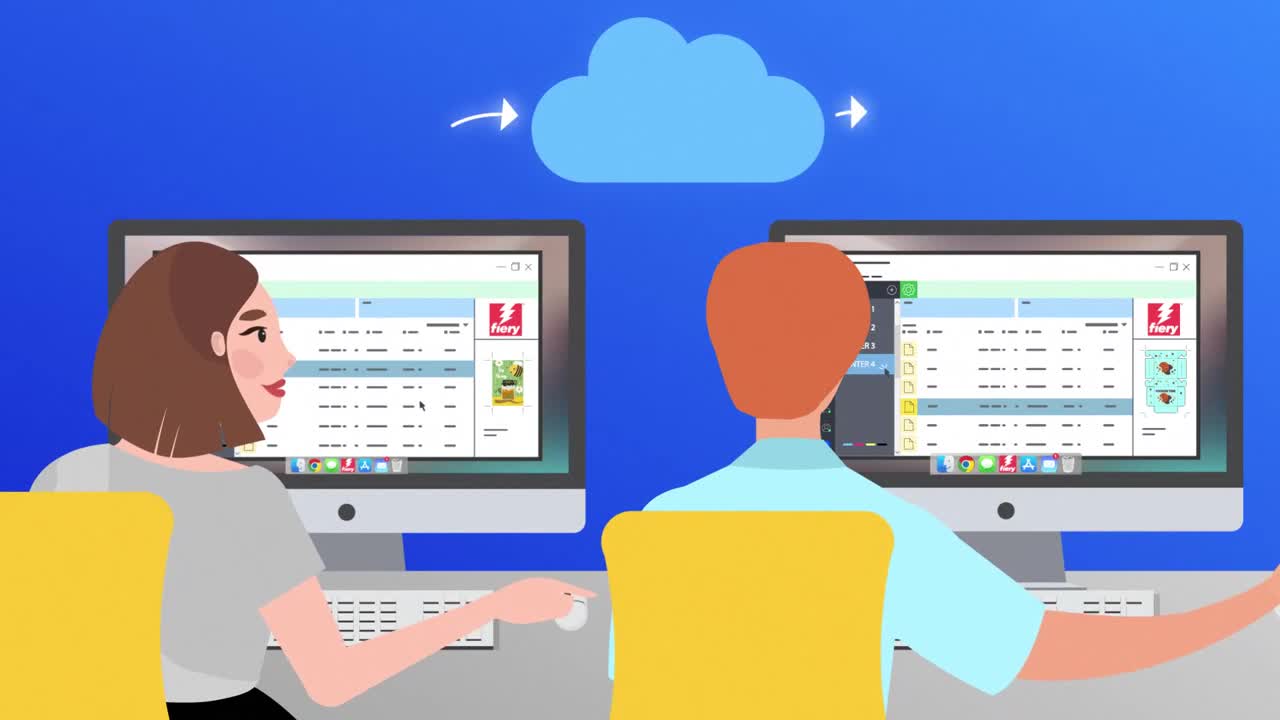
Unite your digital print room
- Get a unified interface to efficiently manage all print production
- Cutsheet printers
- Wide- to superwide-format printers
- High-speed inkjet
- Textile
- Install on supported Apple® macOS® and Microsoft® Windows® clients to provide a fully functional remote connection with a consistent look and functions
Fewer clicks, more efficiency
- Find jobs faster using multi-level search and filter functions
- Create custom views or filters to prioritize and plan print production
- Prepare your jobs and get access to prepress and makeready solutions without leaving Command WorkStation
Automation made easy
- Increase efficiency and reduce errors with automated workflows that are easy to set up and use
- Define presets once and apply to the automation workflows that best fits your print environment: Fiery Hot Folders, Virtual Printers, Server Presets, or Fiery JobFlow™
Train your staff to streamline production
- Visit Learning@Fiery and access free on-demand learning resources including express videos, simulation learning and how-to guides
- Give your staff a path for professional development and increase your credibility as a print service provider with the Fiery certification programs
- Go to Fiery Communities to find solutions and share ideas with Fiery experts around the world
Stay on top of your operation
- Be more efficient and proactive at managing a print site with better visibility into key production metrics
- Ensure a reliable Fiery service with up-to-date maintenance and preventive actions
- Get notifications and easy installation procedures of approved and released Fiery system software
Keep up to date
- Fiery updates Command WorkStation on a regular basis and you can download the latest version for free
For more information visit the what’s new guide.
What’s New
New features in Fiery Command WorkStation 7
For more information, visit the what’s new guide. For a list of new features in Fiery makeready products for cutsheet users visit the Fiery Impose, Fiery JobMaster, Fiery Graphic Arts, Premium Edition, Fiery Graphic Arts Pro package, Fiery ColorRight package, Fiery Productivity package, and Fiery Automation package webpages.
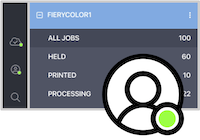
Fiery Account — new in 7.0
Unlock a host of business and productivity benefits with a Fiery® Account. A Fiery Account lets you:
- Quickly download software from Fiery Software Manager
- Access the free Fiery IQ™ applications and start free trials for paid IQ applications
- Back up and share your workspace settings with colleaguess
- Keep your Fiery software licenses safe and convenient
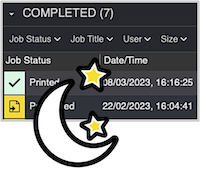
Dark Mode for macOS — new in 7.0
Take advantage of the improved experience Dark Mode brings to macOS users. This popular display mode reduces glare, increases readability, and conserves power on certain monitor types.
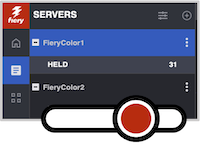
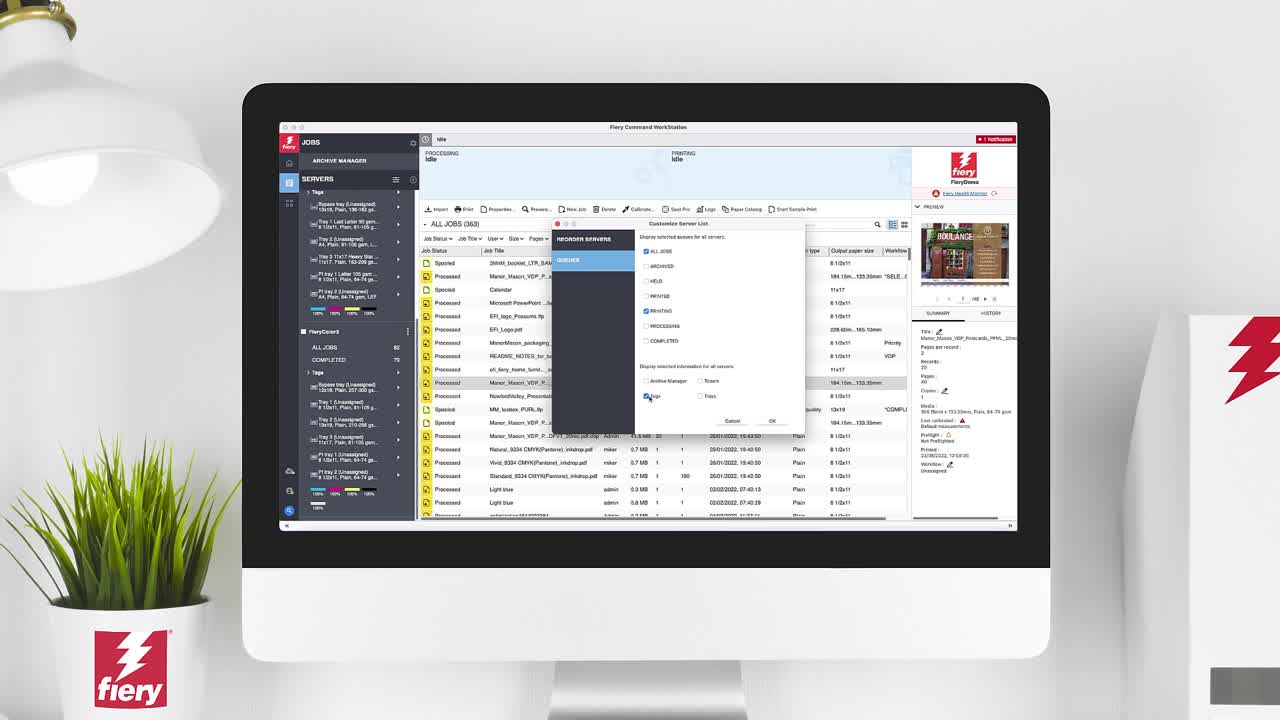
Customizable Server List enhancements — new in 7.0
Make more of the server-pane real estate. Choose which queues and server properties to hide or show in order to display more servers without scrolling, and see only the things you really need.
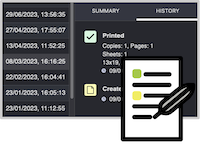
Job History — new in 7.0
Quickly see the full journey of a job. View when it was created, processed, printed, and more — so that you can be sure you have the correct version.
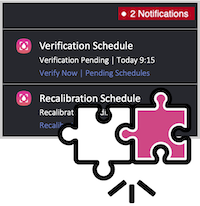
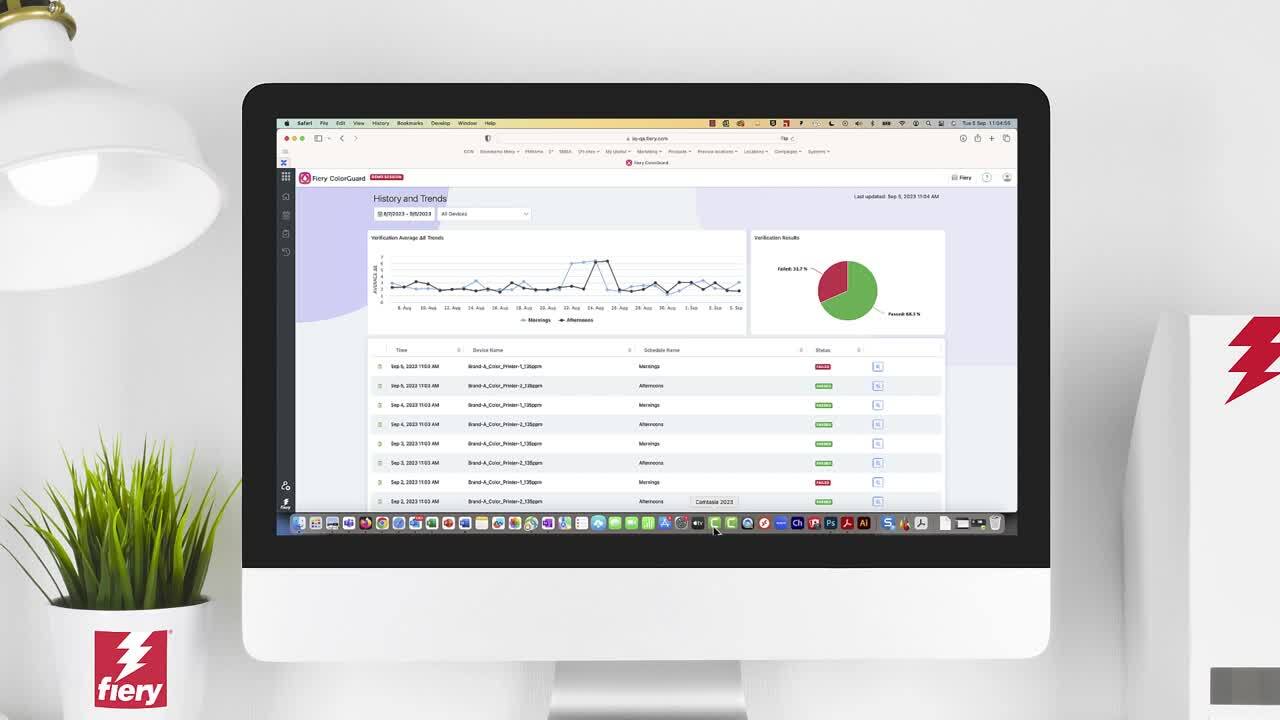
Integrated Fiery ColorGuard client — new in 7.0
No need to step out of the Fiery Command WorkStation® interface to get alerts and take action on Fiery ColorGuard verification and recalibration tasks.
Specifications
Installation requirements
Fiery Command WorkStation version 7.0 only runs on 64-bit operating systems.
Fiery servers
- Fiery FS200/FS200 Pro and later
- How do I find which Fiery system and Fiery server version I have?
- How do I find which Windows operating system my Fiery server is running?
- Find the right Command WorkStation version for your Fiery server
macOS® clients
- macOS® 10.15, 11 (check latest compatibility), 12 (check latest compatibility), 13 (check latest compatibility), and 14 (check latest compatibility)
- 4 GB of RAM or more recommended
- 7 GB of available hard drive space
- Minimum display resolution:
- For cutsheet users: 1280 x 1024
- For wide and superwide users: 1600 x 900
Windows® clients
- Intel® Core™ i3 processor or above
- Microsoft Windows 10 (64-bit) and 11
- Microsoft Windows Server 2016 (64-bit)
- Microsoft Windows Server 2019 and 2022
- 4 GB or more of RAM
- 16 GB of available hard drive space
- Minimum display resolution:
- For cutsheet users: 1280 x 1024
- For wide and superwide users: 1600 x 900
If you are running a 32-bit operating system, download Fiery Command WorkStation 6.2.
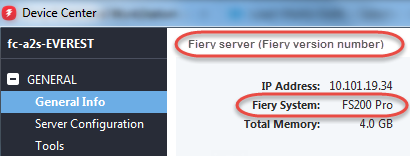
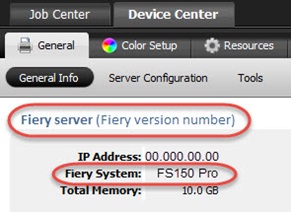
How do I find which Fiery System and Fiery server version I have?
Your Fiery System version is listed in the Device Center General Information tab in Command WorkStation. This information also is accessible on the Fiery configuration page printed via the Fiery server.
Fiery Command WorkStation 6:
Fiery Command WorkStation 5:
How to find which Windows operating system your Fiery server is running.
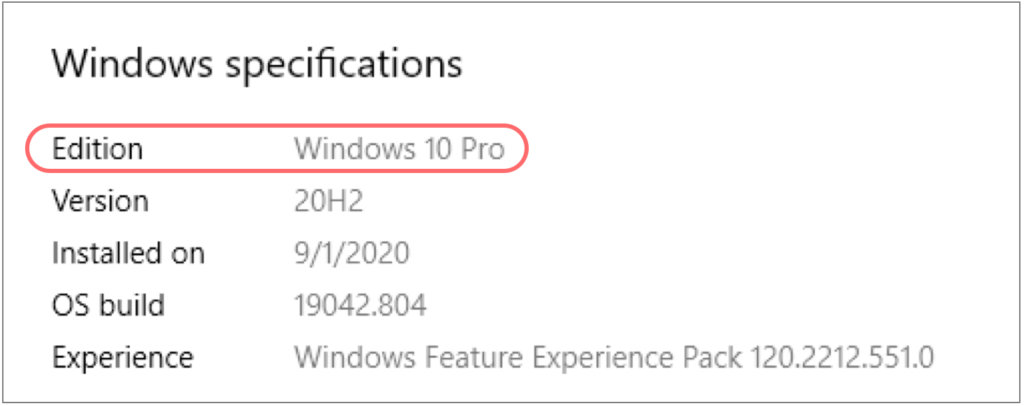
Your Fiery® server Windows® operating system version can be found from the Windows Start menu. The location of this information differs based on the operating system installed on the Fiery server.
For Windows 10, it will appear as below. You get to this information by clicking the Start button > Settings > System > About.
For Windows 7, it will appear as the below. You get to this information by clicking the Start button > Computer, right click Computer > Properties.
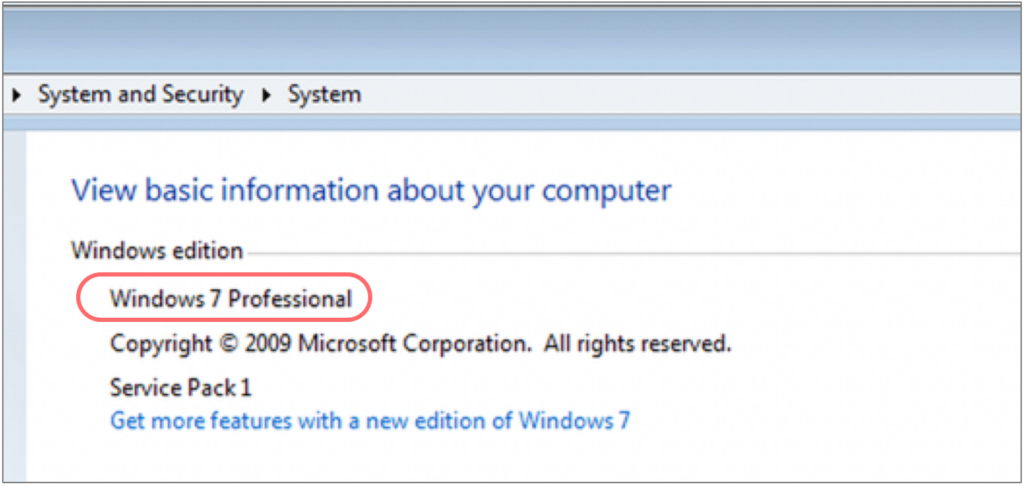
Note: The Windows operating system version can also be found in the Fiery system information area within Device Center from Fiery Command WorkStation®.
Resources
Product training
Access free Fiery Command WorkStation 7 on-demand learning materials, including eLearning courses, express videos, simulation learning, how-to guides, and more.
Whats New
Fiery Command WorkStation 6.3 what’s new guide
New features in Fiery Command WorkStation 6.3, Fiery Color Profiler Suite, Fiery makeready solutions including Fiery JobMaster and Fiery Impose, and Fiery JobFlow

Fiery Command WorkStation 6.1 what’s new guide
New features in Fiery Command WorkStation 6.1 and Fiery makeready solutions including Fiery JobMaster and Fiery Impose
Fiery Command WorkStation 7.0 what’s new guide
New features in Fiery Command WorkStation 7.0, Fiery makeready solutions, Fiery Spot Pro, and Fiery ImageViewer
Fiery Command WorkStation 6.2 what’s new guide
New features in Fiery Command WorkStation 6.2, Fiery makeready solutions including Fiery JobMaster and Fiery Impose, and Fiery JobFlow
Supported printers
Fiery Command WorkStation 7.0 is compatible with Fiery Servers running Fiery FS200/FS200 Pro software and above. The tables below shows you which version of Command WorkStation is supported by your Fiery server.
For a list of compatible Fiery servers driving wide and superwide printers, visit this web page.
How do I find which Fiery system and Fiery server version I have?
How do I find which Windows operating system my Fiery server is running?
How do I find which Fiery System and Fiery server version I have?
Your Fiery System version is listed in the Device Center General Information tab in Command WorkStation. This information also is accessible on the Fiery configuration page printed via the Fiery server.
Fiery Command WorkStation 6:
Fiery Command WorkStation 5:
How to find which Windows operating system your Fiery server is running.
Your Fiery® server Windows® operating system version can be found from the Windows Start menu. The location of this information differs based on the operating system installed on the Fiery server.
For Windows 10, it will appear as below. You get to this information by clicking the Start button > Settings > System > About.
For Windows 7, it will appear as the below. You get to this information by clicking the Start button > Computer, right click Computer > Properties.
Note: The Windows operating system version can also be found in the Fiery system information area within Device Center from Fiery Command WorkStation®.
Available Fiery Command WorkStation versions:
| Click on the version number go to the download page | 7.0 | 6.8 | 6.6 6.7 | 6.5 | 6.2 (32-bit) 6.4 (64-bit) | 5.8 |
| Fiery system software | Connect to server | Connect to server | Connect to server | Connect to server | Connect to server | Connect to server |
| Fiery FS600/FS600 Pro | yes | yes | no | no | no | no |
| Fiery FS500/FS500 Pro | yes | yes | yes | no | no | no |
| Fiery FS400/FS400 Pro | yes | yes | yes | yes | no | no |
| Fiery FS300 Pro, FS350 Pro | yes | yes | yes | yes | yes | no |
| Fiery FS300, FS350 | yes | yes | yes | yes | yes | no |
| Fiery FS200/FS200 Pro | yes | yes | yes | yes | yes | yes |
| Fiery FS150/FS150 Pro | no | yes | yes | yes | yes | yes |
| Fiery FS100*/FS100 Pro | no | no | no | yes | yes | yes |
| Fiery System 10/10e* | no | no | no | no | yes | yes |
| Fiery Central 2.x | yes** | yes** | yes** | no | no | yes |
| Fiery Central 1.x | no | no | no | no | no | yes |
Fiery servers for high-speed inkjet presses require specific versions of Fiery Command WorkStation. Contact your press supplier for further information on upgrading.
* Linux-based servers.
** Requires Fiery Central version 2.9, and Fiery Command WorkStation 6.7 or higher. Only the first printer group is shown in Fiery Command WorkStation.